Volume Boost
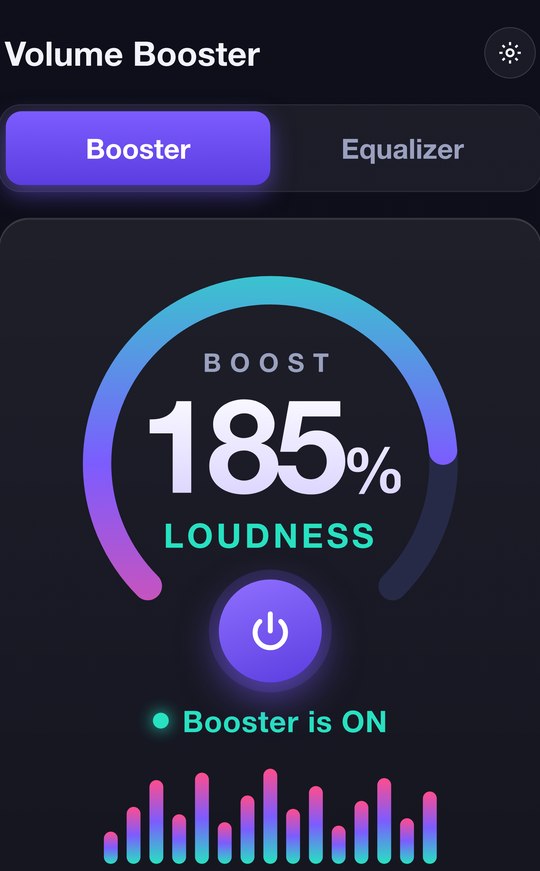
Go beyond 100%. A single tap lifts your audio up to 200% loudness, so quiet tracks, videos and calls fill the whole room.
Push your phone's speakers and headphones past their limit for louder, fuller, room-filling sound — with a pro equalizer, deep bass and 3D surround built right in.
A complete audio toolkit that makes anything you play louder, richer and tuned exactly the way you like it.
Go beyond 100%. A single tap lifts your audio up to 200% loudness, so quiet tracks, videos and calls fill the whole room.
Shape every frequency by hand, or pick from 20+ ready-made presets — Rock, Pop, Jazz, Hip-Hop, Classical and many more.
Add punchy, chest-thumping bass and an immersive 3D virtualizer that widens the stage and wraps sound around you.
A real-time spectrum that dances to every beat, so you can see your music as clearly as you hear it.
See the current track and play, pause or skip — without leaving the app or switching back to your music player.
Fine-tune the boost straight from the notification shade or a home-screen widget. Control is never more than a swipe away.
A clean, dark interface that puts powerful sound controls one tap away.
BoostUp to 200% loudness
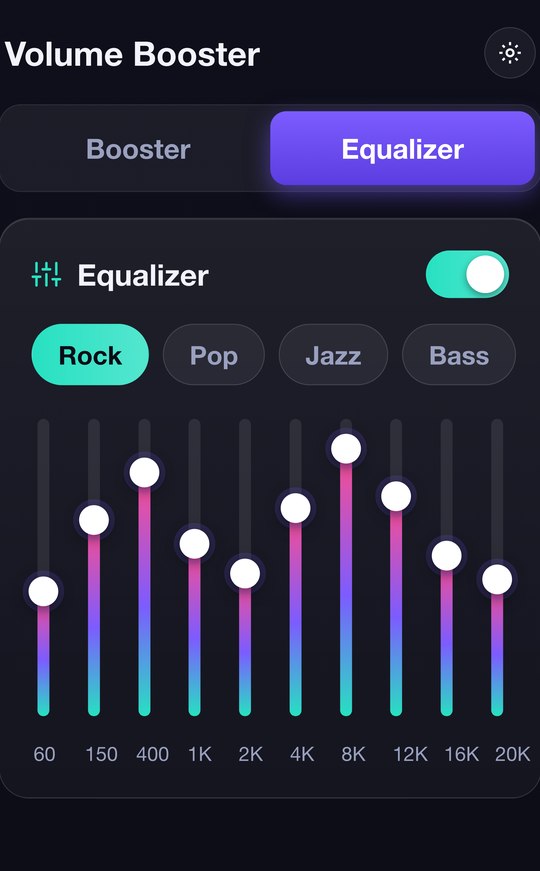
Equalizer10 bands · 20+ presets
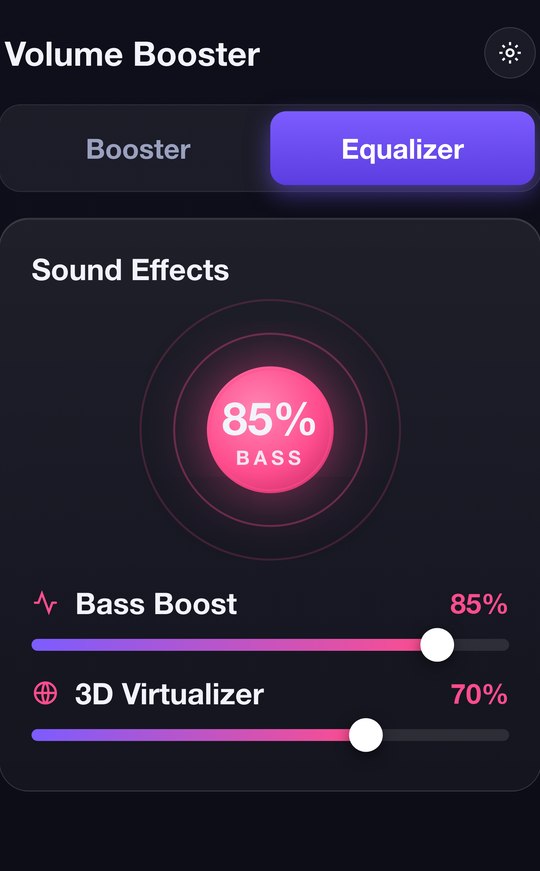
Bass & 3DDeep, immersive audio
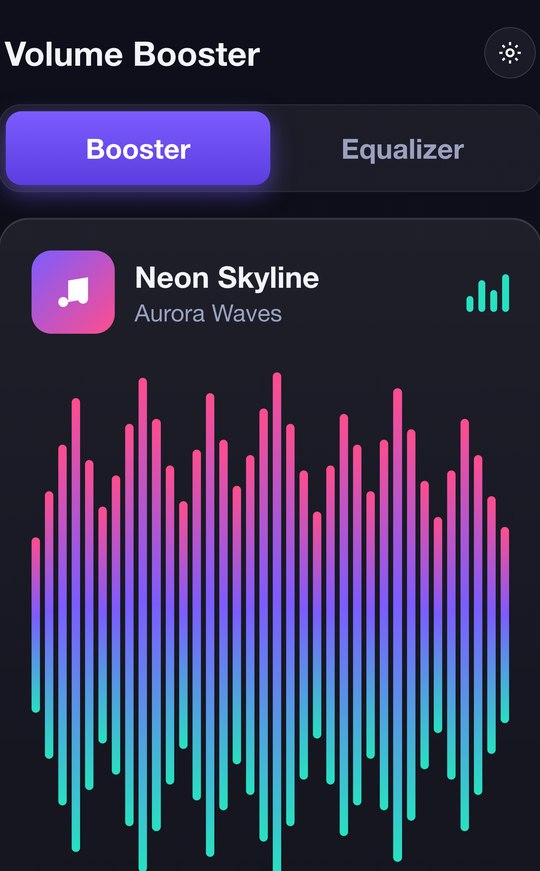
VisualizerReacts to every beat
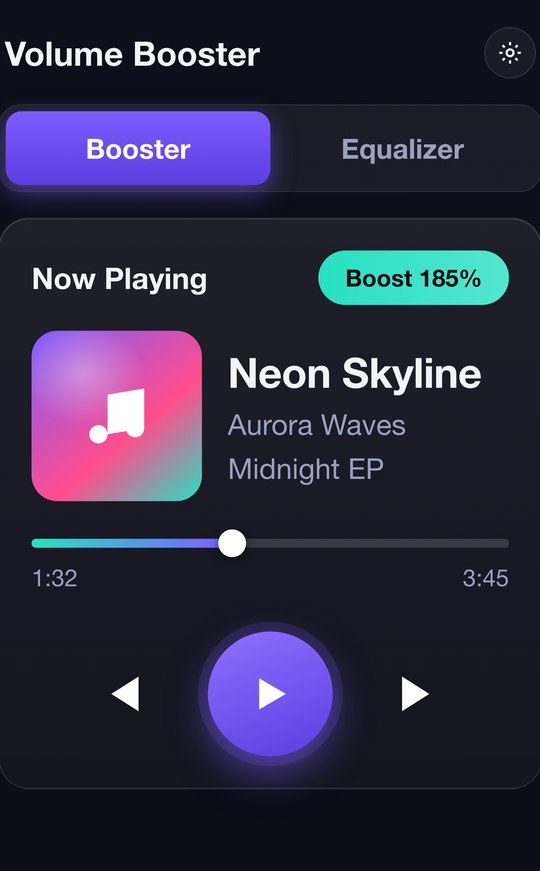
Now PlayingControl any player
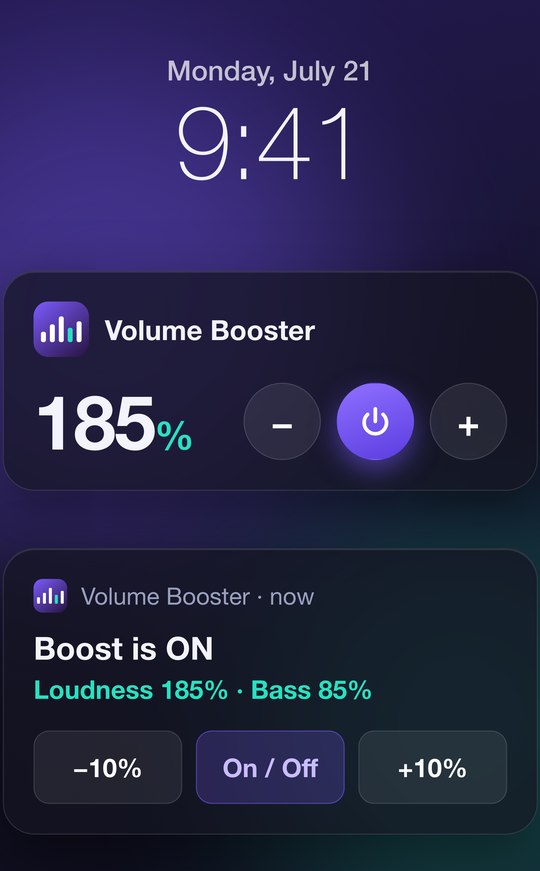
Widget & NotificationQuick control anywhere
← swipe to browse →
Reopens right where you left off, at your last boost level.
A gentle heads-up before you push the volume to very high levels.
Optionally stop the screen from sleeping while you tune your sound.
Music, video, games, podcasts and calls — across every app on your phone.
A clean, clutter-free interface that stays quick and responsive.
Fully localized, from English and Spanish to Japanese, Arabic and more.
Volume Booster has no accounts and no personal profile. Your boost level, equalizer bands and preferences are saved locally on your phone — the app never uploads them anywhere.
The Microphone permission is used only so the on-screen visualizer can react to the audio you're already playing. That audio is analyzed live on your device and is never recorded, saved or transmitted.
The app is free and ad-supported. You can review exactly what the advertising and analytics services collect, and your choices, in our Privacy Policy.
Download Volume Booster and give every track, video and call the volume it deserves.